
Zynko beginner tutorial
How to create a Zynko account, log in and make your first short link
A step-by-step visual guide. Follow the lamp, complete the form and open your dashboard.
Create a new account (Sign up)
If you have never registered on Zynko, start from the Sign up page. You will need your name, an email address you can access and a password.
Open Sign up page →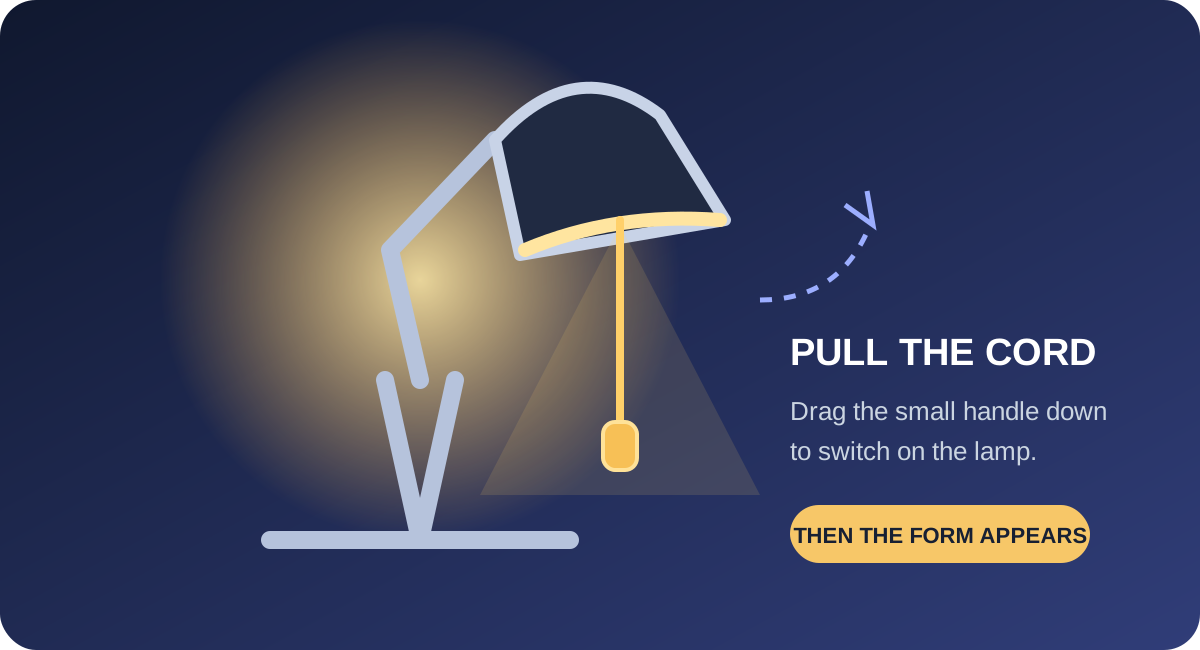
- Open zynko sign up.
- Pull the lamp cord down: touch the small handle and drag it downward. A normal tap may not switch it on; drag the handle down until the form appears.
- Choose a lamp colour if you like. This is only a visual setting and does not change your account.
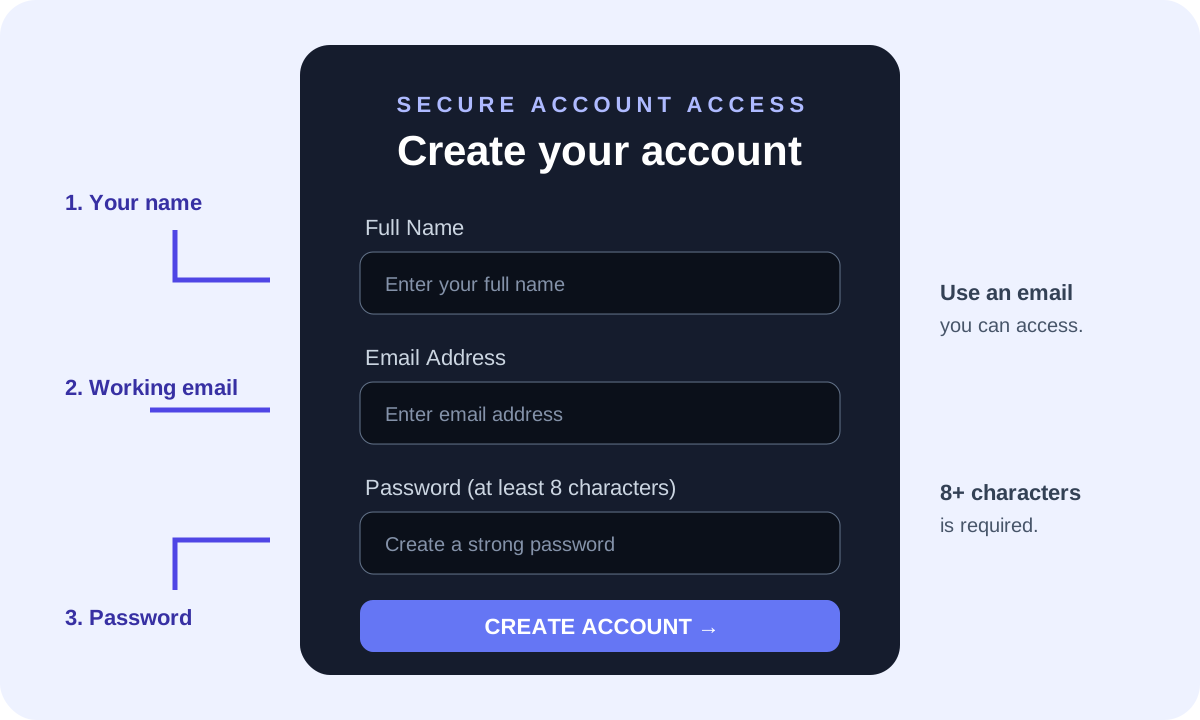
- Full Name: enter your name (at least 2 characters).
- Email Address: enter a valid email address that you can access. Use the same address every time you log in.
- Password: create a password with at least 8 characters. A longer password with uppercase and lowercase letters, numbers and symbols is stronger.
- Check each field, then press Create Account. Wait for the request to finish. If the details are accepted, Zynko takes you to your dashboard.
Important: Keep your password private. Do not send it to anyone or share it in screenshots. If you see an error, read the message and correct the relevant field.
Log in to an existing account
Already registered? Do not create a second account. Use the Log in page and enter the same email and password you used during sign up.
Open Log in page →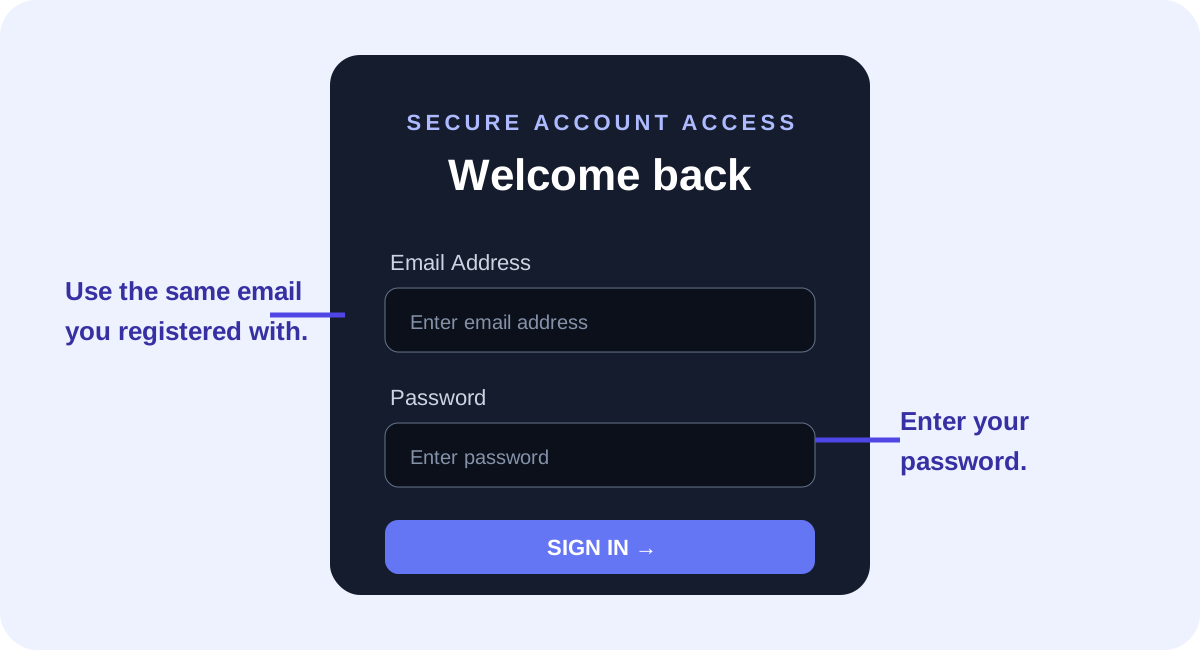
- Open zynko log in.
- Pull the lamp cord down to reveal the login form.
- Enter your registered email address and password. You can use the eye icon to check what you typed.
- Optionally keep Remember me selected on your personal device, then press Sign In.
- After successful login, your dashboard opens. If sign-in fails, check your email and password and try again.
Create your first short link
- Once logged in, open your Dashboard.
- Open the link creation option and paste the full destination URL, beginning with https://.
- Submit the form and wait for your short link.
- Copy the result, open it once to test that it reaches the correct destination, then share it.
You can also shorten a guest link directly on the Zynko landing page without creating an account. Sign in when you want to manage publisher links and use your dashboard.